← Back to the library
Using your own rubric (imported from the LMS)
UniRubric reads the rubric attached to the assignment and renders it as criterion cards. Edit any criterion in place.
Paused · 0:00 / 1:52
LecturerGetting startedEN
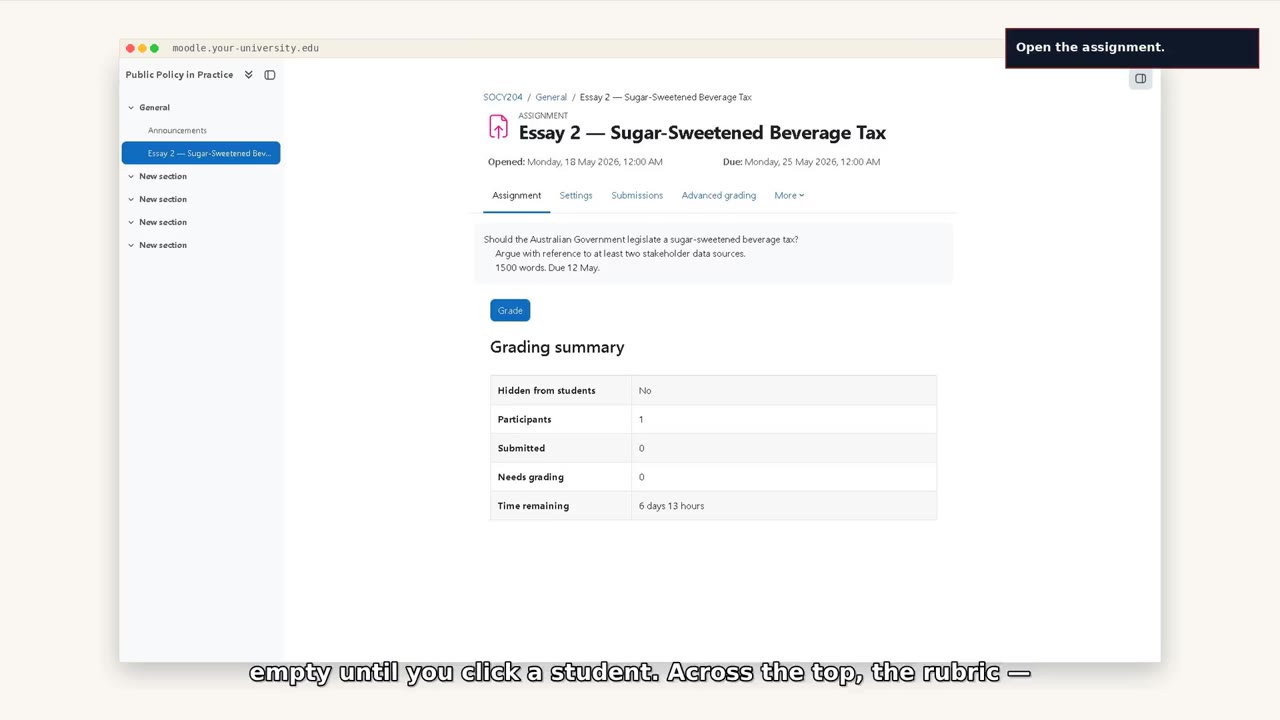
First time inside UniRubric — where everything is
A tour of the marking workspace. Where the students sit, where the essay opens, where the criterion cards live, where the rubric is.
LecturerMarkingالعربية
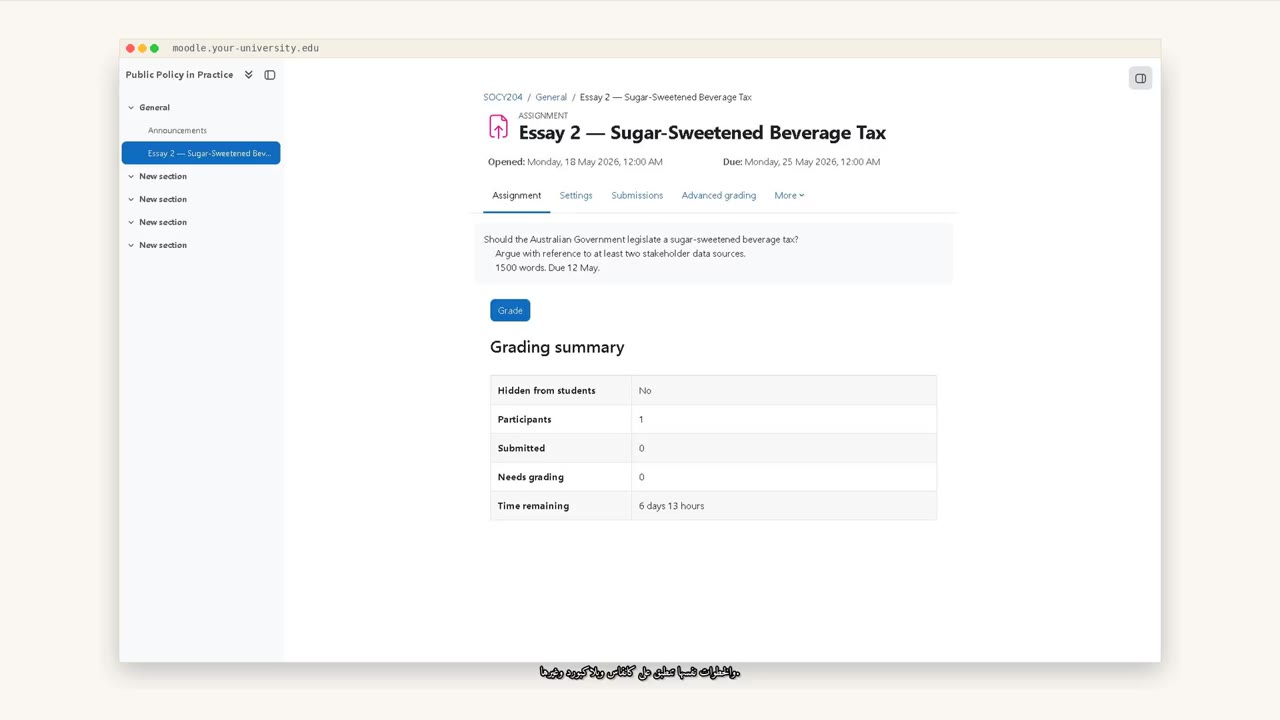
Marking a student assignment, end to end (Arabic)
A 5-minute walk-through, narrated in Arabic, from the Moodle login screen to releasing a grade back to the gradebook. Two voices: Abdullah for narration, Laloosh for the student-facing line.
LecturerMarkingEN
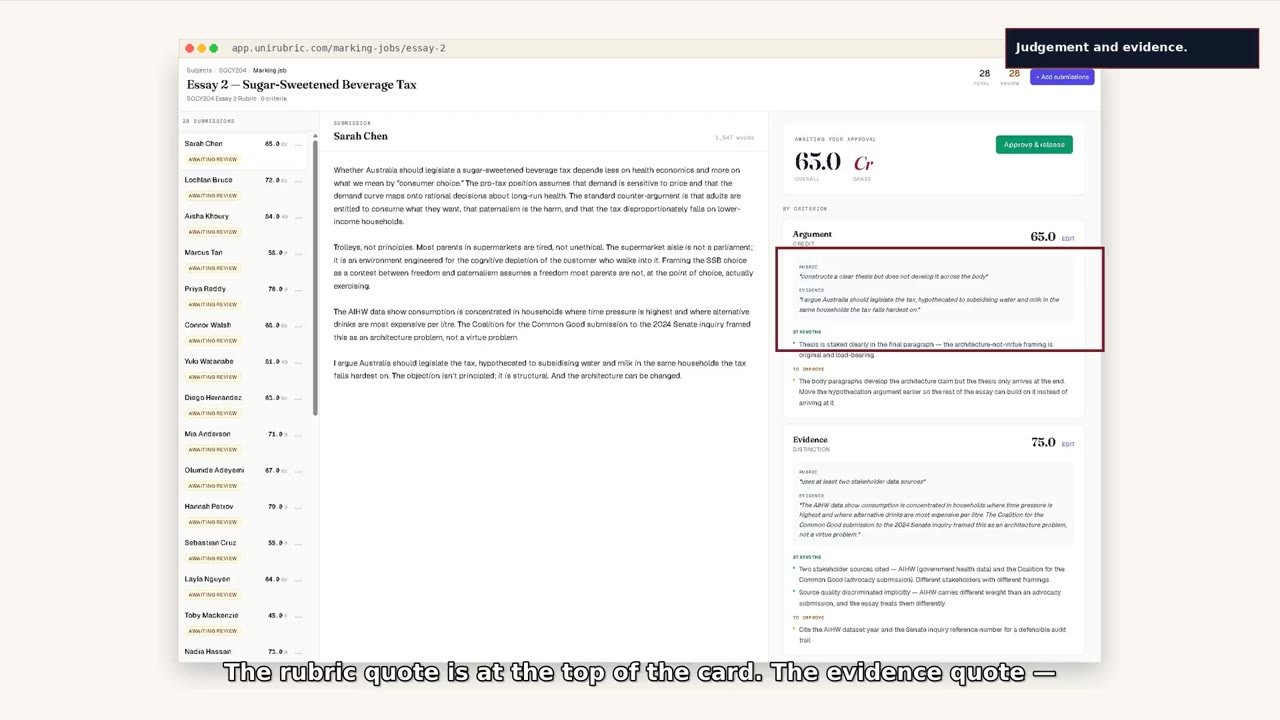
Marking one student end to end
Open the submission, review the draft, override one criterion, edit one feedback line, release the grade.
LecturerMarkingEN
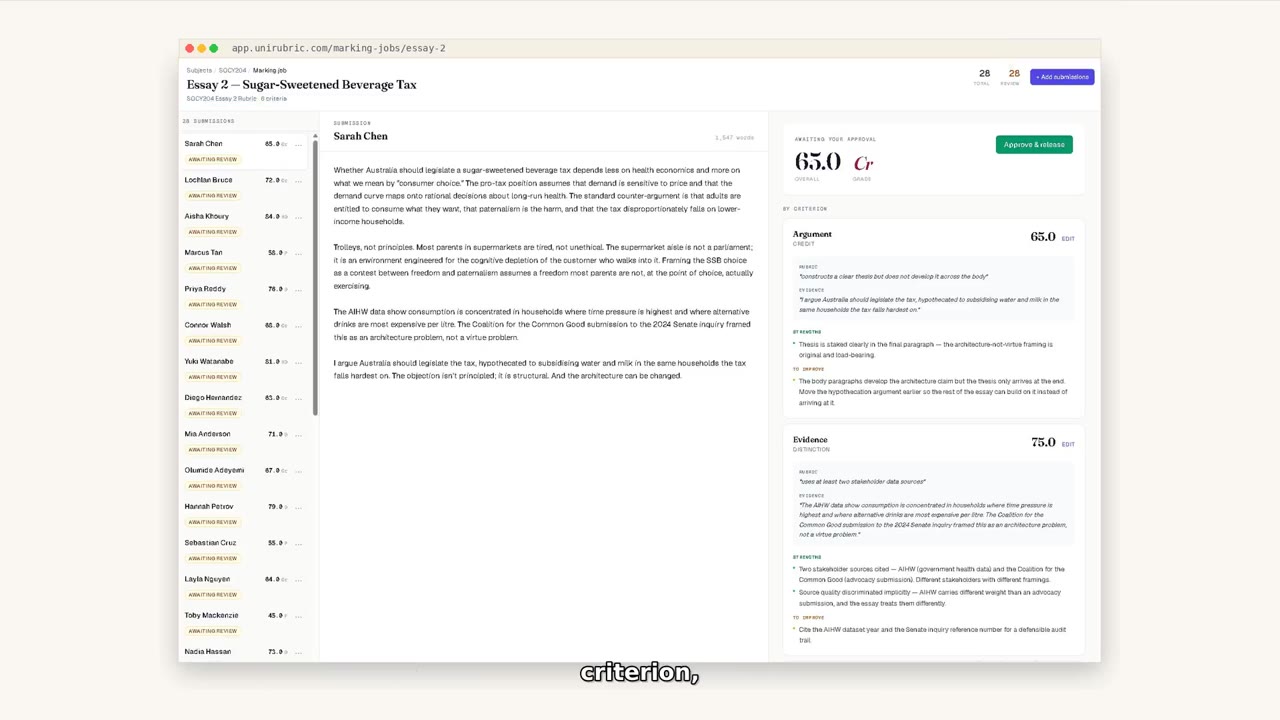
Pre-grading a cohort
Submit a queue of submissions for AI drafting. Each one returns with a green dot, ready for your review.
Try it on your own work